
Zoom 🎥 – Lone Wolf Transact Command Edition 101
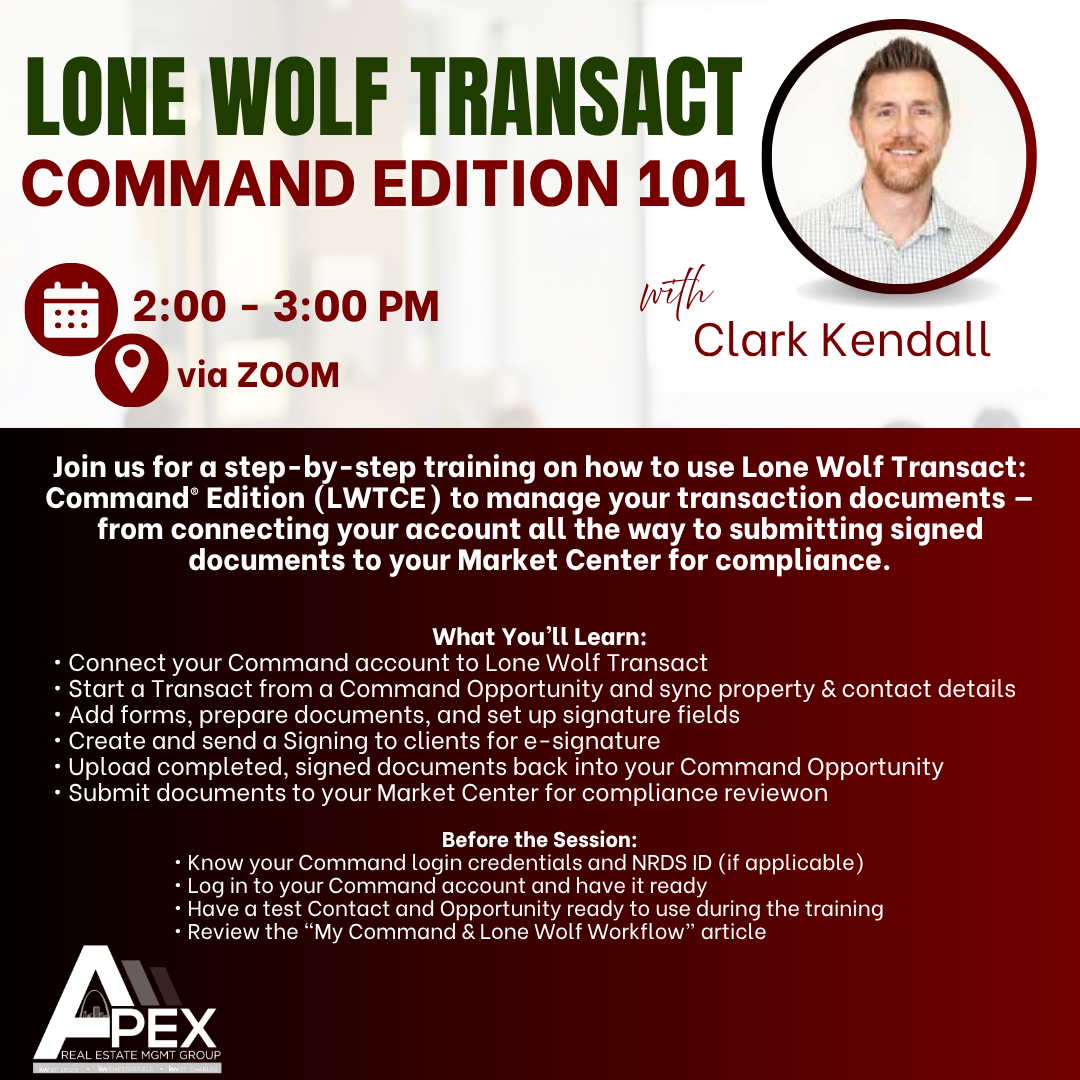
Join us for a step-by-step training on how to use Lone Wolf Transact: Command® Edition (LWTCE) to manage your transaction documents — from connecting your account all the way to submitting signed documents to your Market Center for compliance. https://us02web.zoom.us/meeting/register/WMYWKA7RRG2mjah7-JU7iw#/registration
Register for Zoom here
✅ What You’ll Learn:
• How to connect your Command account to Lone Wolf Transact
• How to start a Transact from a Command Opportunity and sync property & contact details
• How to add forms, prepare documents, and set up signature fields
• How to create and send a Signing to clients for e-signature
• How to upload completed, signed documents back into your Command Opportunity
• How to submit documents to your Market Center for compliance review
⚠️ Before the Session:
• Know your Command login credentials and NRDS ID (if applicable)
• Log in to your Command account and have it ready
• Have a test Contact and Opportunity ready to use during the training
• Review the “My Command & Lone Wolf Workflow” article below:
https://answers.kw.com/hc/en-us/articles/49176410572435-Lone-Wolf-Transact-and-Command-Workflow-Labs-Participants-Only
Zoom:
https://us02web.zoom.us/meeting/register/WMYWKA7RRG2mjah7-JU7iw#/registration